How to Run Coding Exams with Visual Studio or VS Code
Let students write real code in the IDE they already use.
The Challenge
Coding courses need to assess students in the actual tool they'll use professionally, a real IDE with real debugging and a real file structure, not a stripped-down browser text box that behaves nothing like Visual Studio or VS Code. But a coding exam still needs starter files distributed consistently and every student's work collected reliably, by question, without submissions arriving as a random assortment of file names in someone's inbox.
How it works
Build & upload ZIP
Code in your IDE
Files submitted
Graded in TomaGrade
Admin builds the starter ZIP and picks the IDE
Add an External IDE Question, upload a ZIP of the relevant files and folders, and select which environments are allowed: Visual Studio, VS Code, or both.
Student works in their own IDE
The student gets the ZIP for that question and writes their solution locally, in whichever environment was enabled, with the real IDE's full feature set intact.
Finished files submit with the exam
The student's files upload back into TomaEtest as part of that question's submission, no separate email or file-sharing workaround.
Grader downloads and marks the code in TomaGrade
Files come back organized by student, then by question, ready to open locally. Any local edits don't save back automatically, so a changed file needs re-attaching, and the final grade is always entered in TomaGrade.
See it in the app
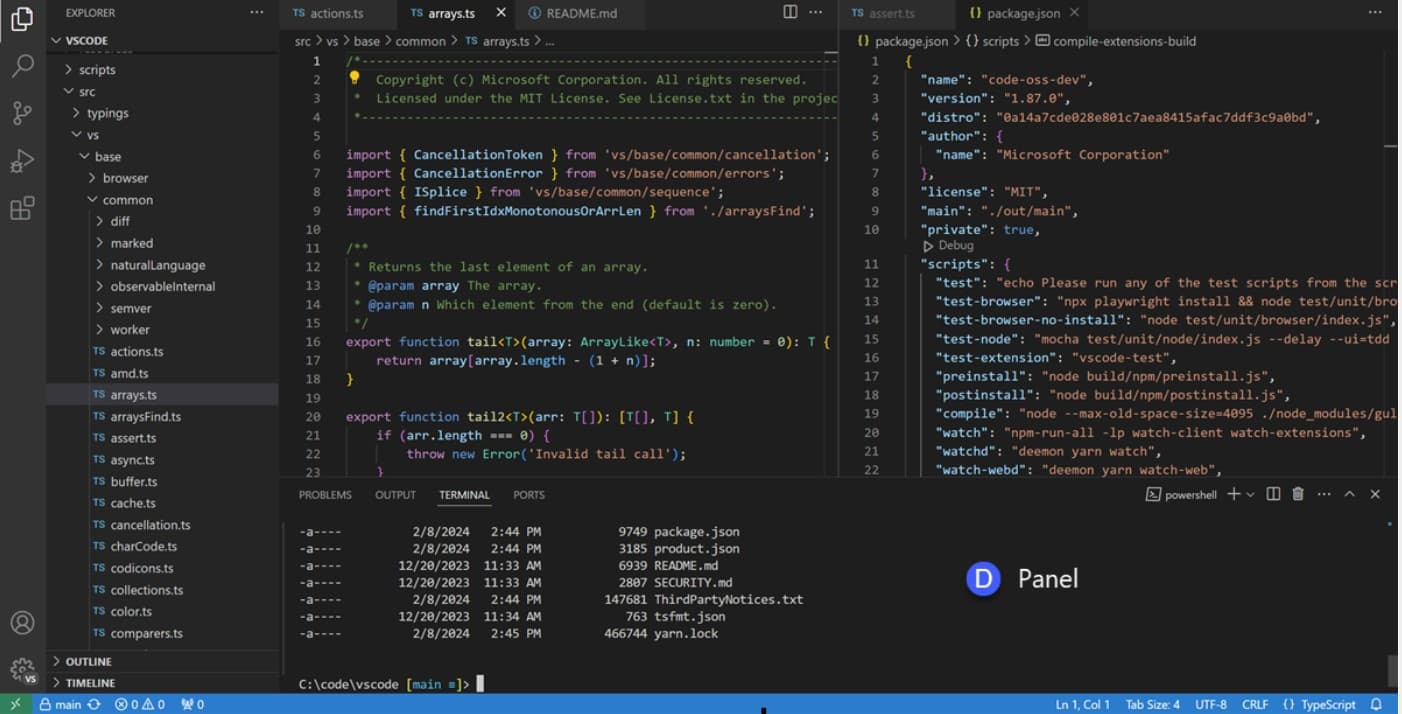
The real Visual Studio Code, unlocked and full-featured, the same editor students already know.
Who it's for
Any program that needs to examine students writing real code, not answering multiple-choice questions about it:
Powered by
TomaEtest
The External IDE Question type distributes the starter ZIP and collects each student's finished files as part of the exam submission.
TomaGrade
Organizes submitted files by student and question, so graders can download, review, and mark code without chasing down individual attachments.
More Use Cases
How to Add Scans to Online Exams
Students solve math, chemistry, and engineering problems by hand, then scan the pages with the Tomax App at the end of the exam, automatically attached to the matching answer for grading in TomaGrade.
Read guide →
How to Securely Use Excel in Online Exams
Let students use their own preinstalled Excel during a locked-down TomaEtest exam, with internet access, local saving, and every other app on the machine blocked for the full sitting.
Read guide →
Want to see this configured for your exams?
Walk through scan upload, review, and grading in a 30-minute demo.
Request a Demo