Everything an online exam needs,
in one suite.

TomaEtest is the end-to-end suite for exams delivered on screen: Assessment Studio to author them, Monitor to run the sitting, and Vix as the client candidates sit them on. One vendor for the whole exam day.
50,000 concurrent candidates · Offline resilient · Runs on the TomaSafe engine
What Is Inside
Four parts, one exam
Authoring, invigilation, the candidate client, and mobile proctoring are usually four vendors. Here they are four parts of the same product, sharing one record.
01: Authoring
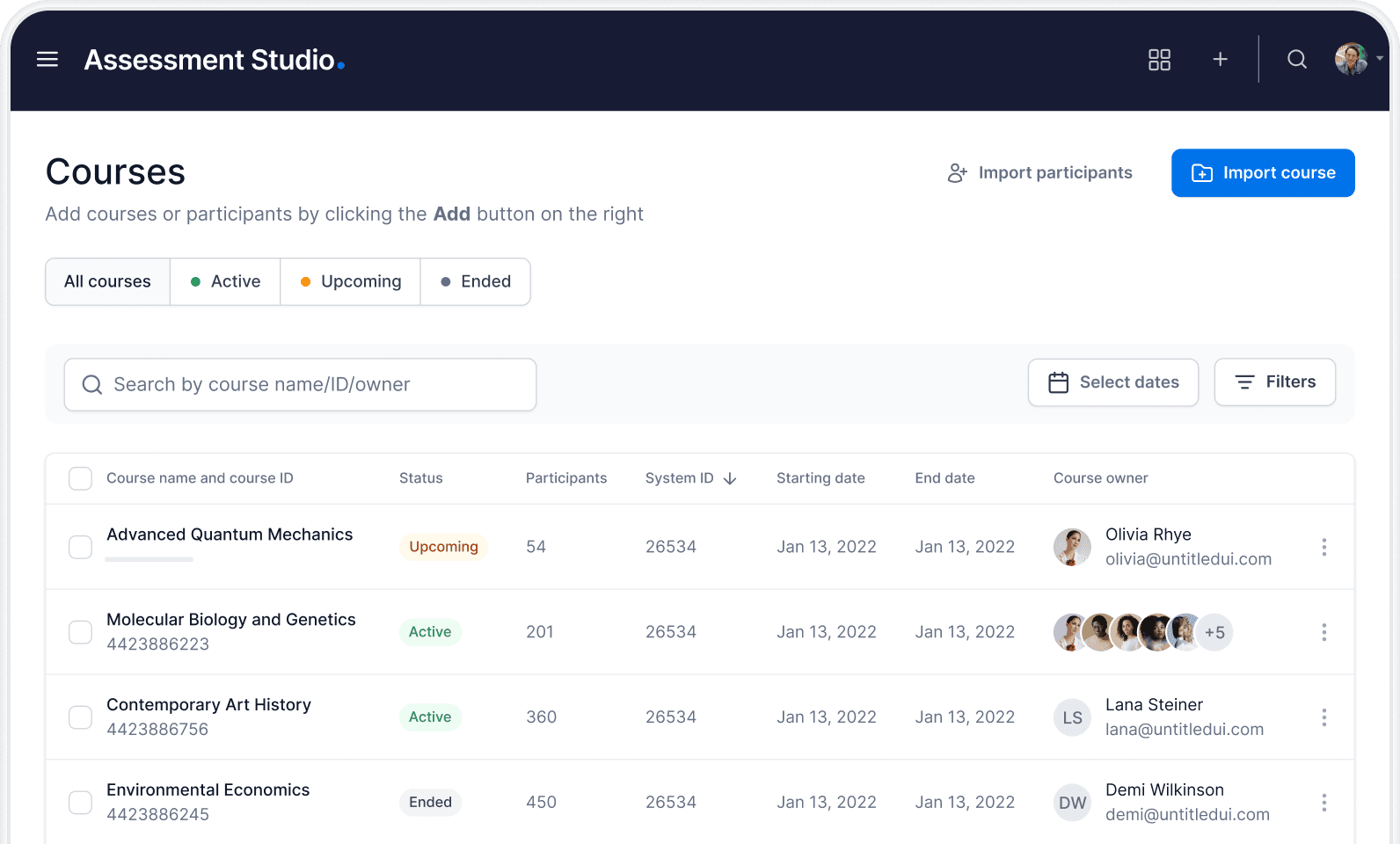
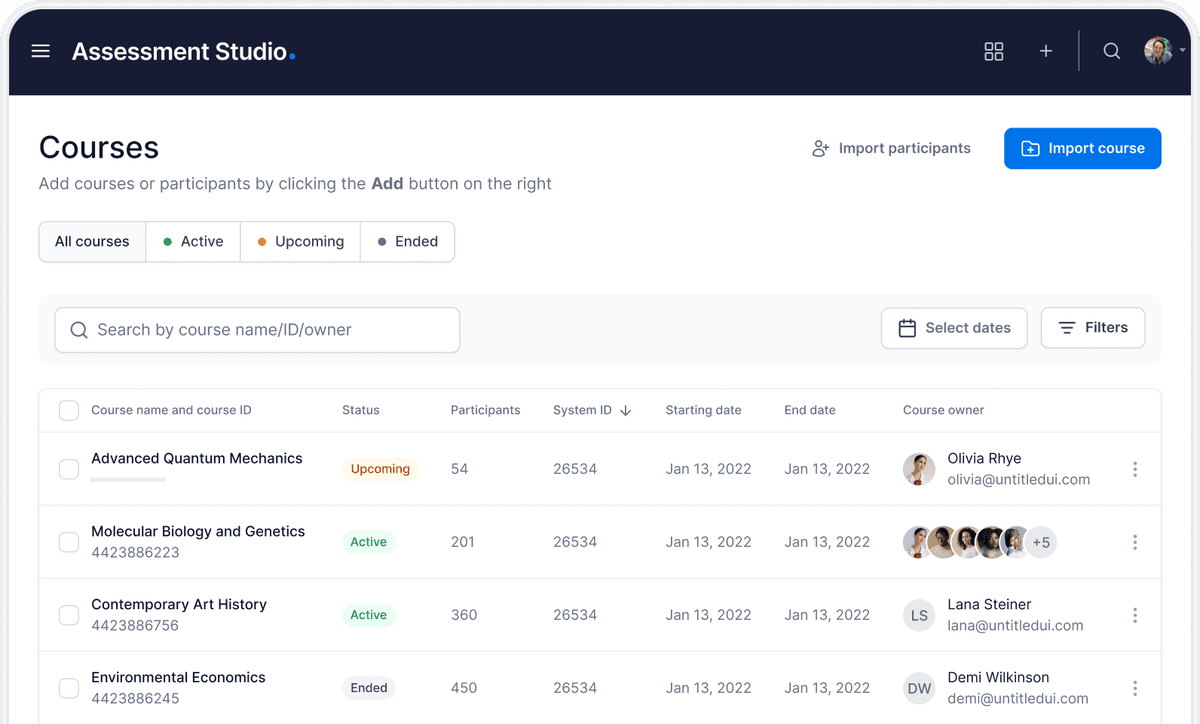
Assessment Studio
Where the paper is written. Lecturers build assessments directly, pulling items from TomaBank, without an admin request in the middle.
- Every question type: MCQ, essay, numeric, file upload, coding
- Items pulled from personal or institutional question banks
- Review and approval recorded before the paper is sealed
- The same tool serves a weekly quiz and a final exam
02: The Control Room
Monitor and Super-Monitor
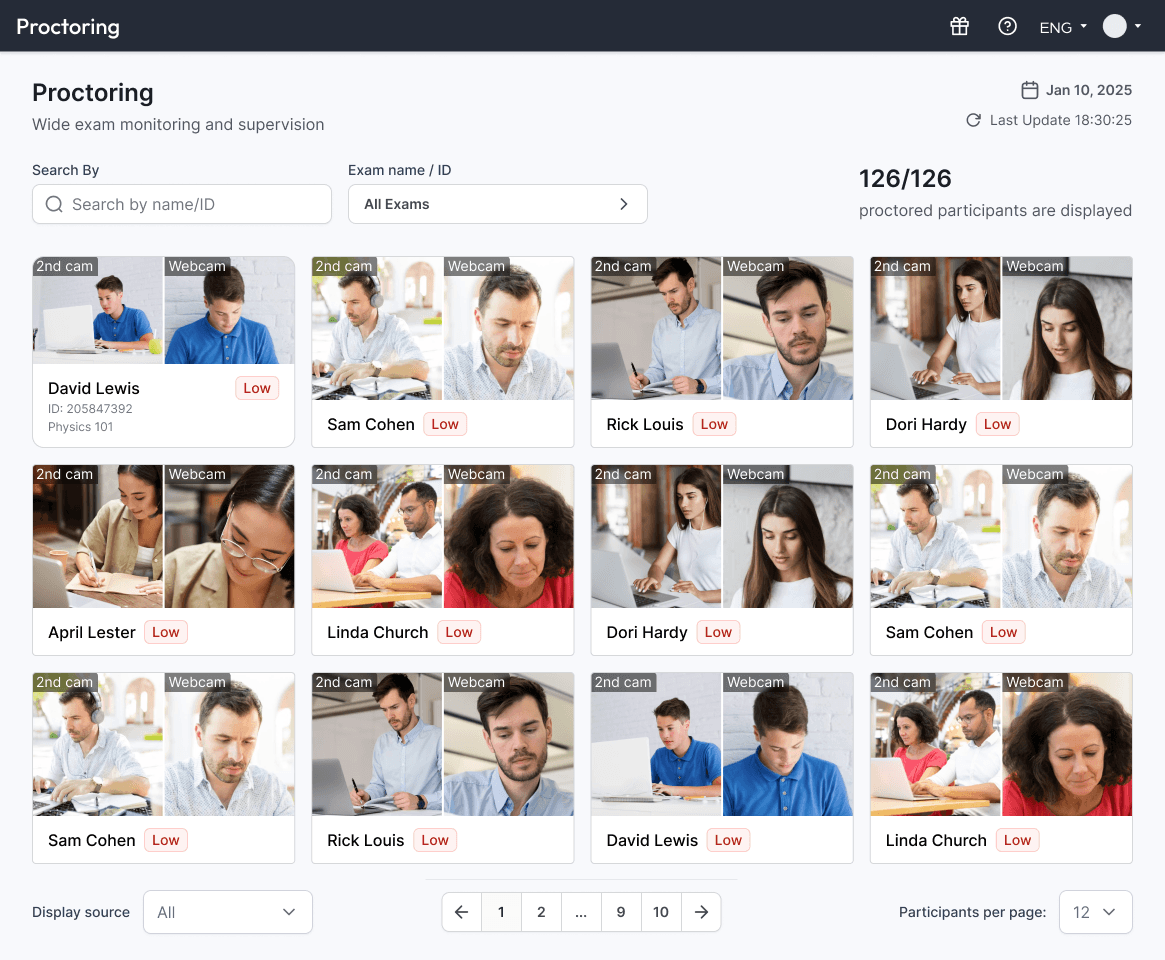
Where exam day is run. Invigilators command the sitting rather than watch it; proctoring is one capability here, not the whole product.
- Accommodations and extra time granted live, per candidate
- Student chat so candidates raise issues without leaving the exam
- On-the-fly correction of a faulty question, applied to everyone
- Anomalies and reliability reports surfaced while the exam runs
- Live, AI, and mobile proctoring via the Tomax App, plus 360° room verification, all in one feed
- Super-Monitor for oversight across many concurrent sittings
03: The Candidate Client
Vix
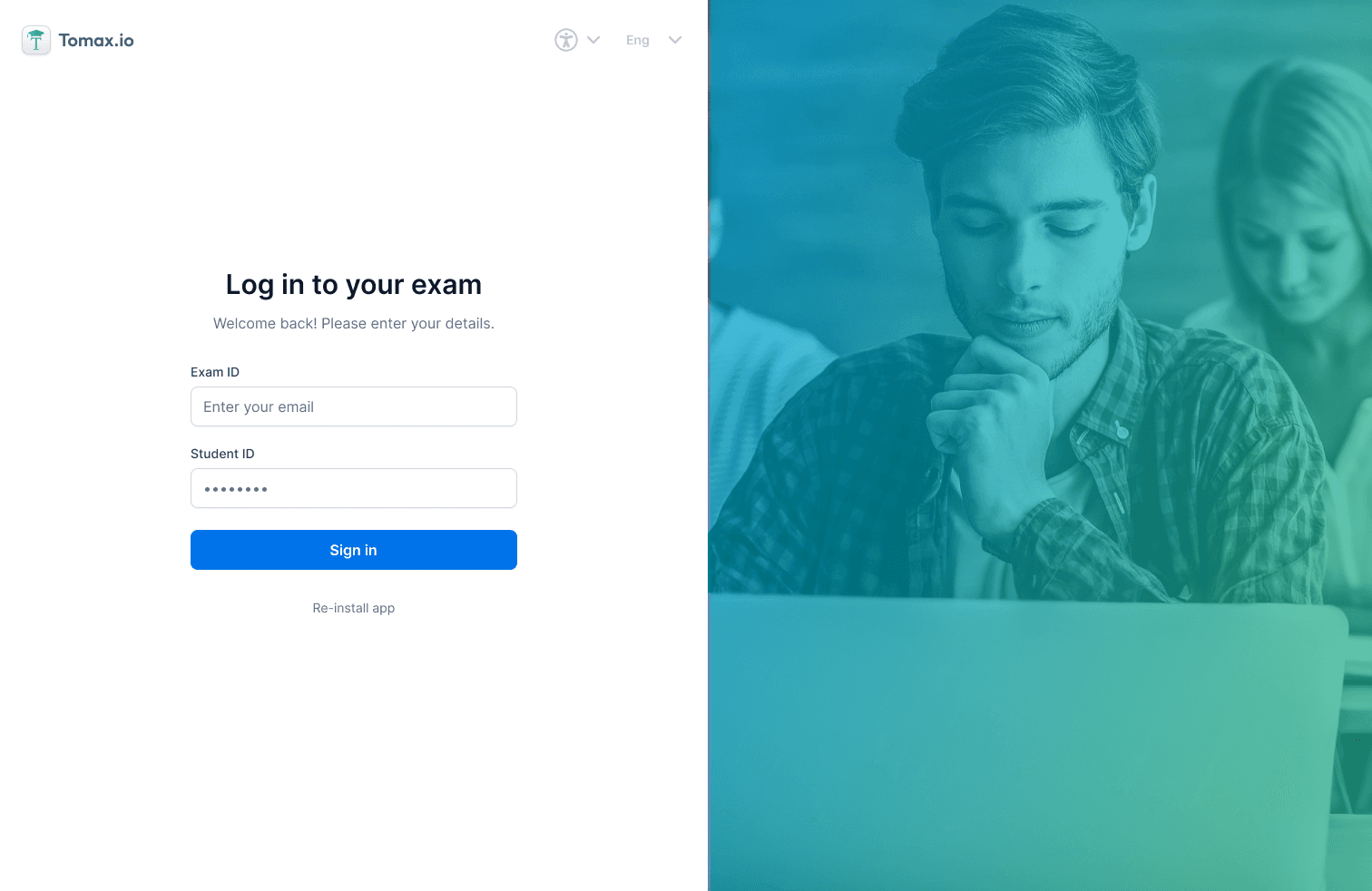
What the student actually uses. A locked-down, low-friction environment that works on the hardware candidates already own.
- Lockdown browser with identity verification at login
- Answers held locally and reconciled after a dropped connection
- Runs on modest, older machines without a specialist build
- Accessibility settings applied per candidate automatically
04: The Mobile App
Tomax App
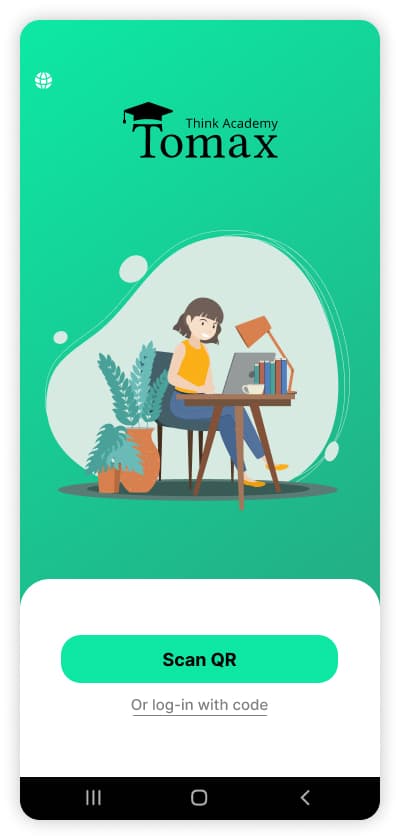
What the candidate's phone does, alongside Vix on their computer. Room verification, mobile proctoring, and scanning handwritten work back into the matching question, all from the phone they already own.
- 360° room verification from the candidate's own phone before the exam starts
- Live and AI-driven mobile proctoring throughout the sitting
- Handwritten work (diagrams, equations, STEM notation) scanned and merged into the matching online question
- No proprietary hardware, runs on the candidate's own phone
The hour everything has to work
Thousands of candidates start within the same minute, on hardware you do not control, over networks you cannot guarantee.
50,000 concurrent
Simultaneous sittings across dozens of campuses, proven in production.
Offline resilience
A lost connection pauses nothing; answers persist and reconcile on return.
Rehearsal sittings
Large exams are load-tested with a live rehearsal before the real day.
Regional hosting
Data residency in the region your regulator requires.
Integrity, at the level the exam needs
A weekly quiz and a licensure exam do not need the same controls. Each measure is switched on per assessment rather than imposed on all of them.
Lockdown browser
The candidate machine is restricted to the exam for the duration of the sitting, on both Mac and Windows.
Identity verification
Confirm the person sitting the exam is the enrolled student before the first question loads.
Live monitoring
Anomalies surfaced to invigilators in real time, for human judgement rather than automatic penalty.
Question scrambling
Randomised order and variant sets so no two candidates see the same paper.
Smart Defense
Candidates explain their reasoning in their own words, verifying understanding rather than detecting anomalies.
Full audit trail
Every action timestamped and exportable for misconduct proceedings.
Screen & camera recording
Every screen and camera feed is recorded for the duration of the sitting, reviewable alongside the submission.
AI & remote software detection
Flags AI writing tools, remote-access software, and other unauthorized processes running during the exam.
Virtual machine blocking
Detects and blocks sittings launched inside a virtual machine, closing a common bypass for lockdown controls.
No candidate should be disadvantaged by the software
Accommodations are part of the exam, not an exception to it. Vix applies them per candidate without a separate paper, a separate room, or a separate sitting.
- Extra time and adjustments applied automatically from the student record
- Screen reader support and adjustable typography
- Keyboard-only navigation throughout the exam
- Adjustments granted mid-sitting from Monitor when circumstances change
Where It Sits In The Platform
Part of a bigger system
TomaVix
The umbrella that holds this suite alongside printed exams and the shared engines.
Explore SolutionHigh-Stakes Exams
The exam-day picture across both modalities, from authoring to release.
Explore SolutionAcademic Integrity
Proctoring and Smart Defense, and when each of them is the right control.
Explore EngineTomaGrade
Grading and feedback for exams from both modalities, sold standalone or as part of the suite.
Explore ModalityTomaSafe & Mix
The printed-exam sibling, for institutions and disciplines that need paper, not just screens.
ExploreCommon Questions
Questions institutions ask us
Candidates sit exams in Vix, which runs on the machines they already own without a specialist build. Where an exam requires lockdown, Vix enforces it; for lower-stakes assessments it can run without those restrictions.
Ready to see Tomax in action?
Secure, credible assessment: online and on paper, in one platform.
Request a Demo