How to Add Scans to Online Exams
For disciplines where the working matters as much as the final answer.
האתגר
In math, physics, chemistry, and engineering, a correct final number without the working is often worthless to a grader, and forcing students to type out equations and diagrams turns a 60-minute exam into one about formatting, not the subject. Institutions running fully online exams need a way to let students show their work by hand, without falling back to a separate paper process just for those questions.
How it works
Online exam
Scan via Tomax App
Auto-merge
TomaGrade
Student takes the exam online as usual
Typed answers go in through the normal candidate client, same as any other online exam.
Handwritten work is scanned at the end, with the Tomax App
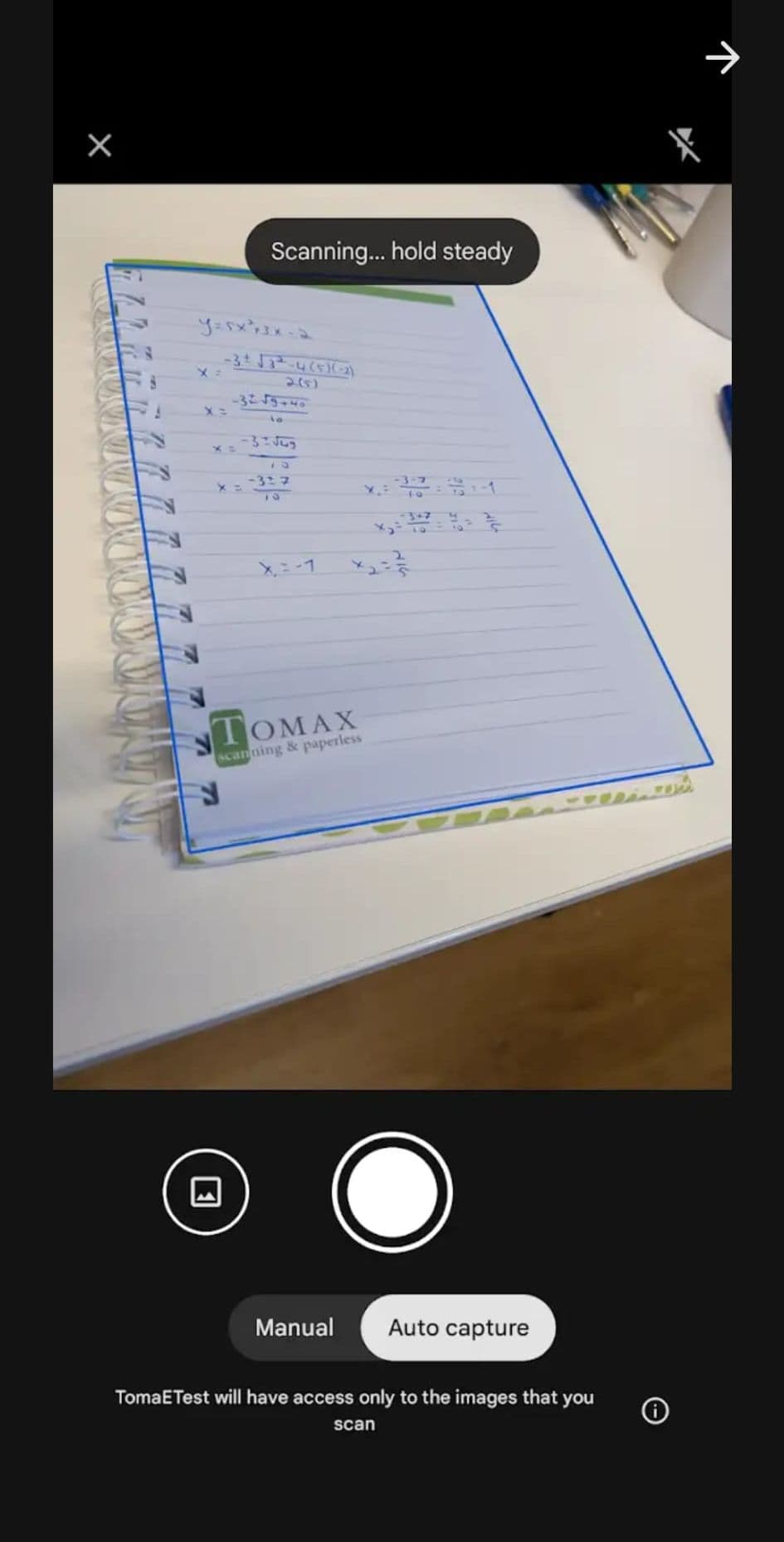
Once the exam is submitted, the student uses the Tomax App on their own phone to scan their handwritten working, no extra hardware needed.
Scans attach to the matching answer automatically
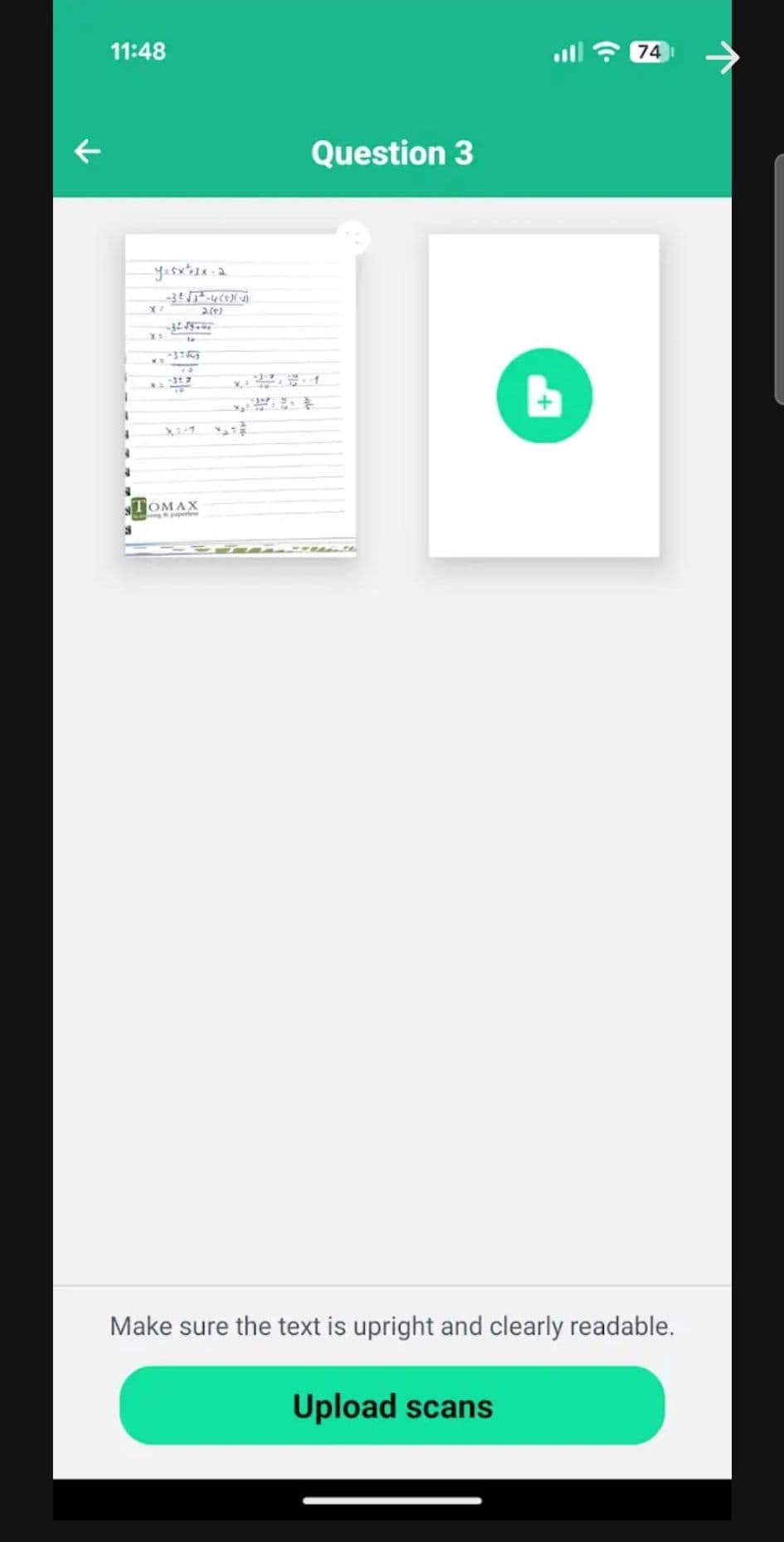
The Tomax App merges each scanned page into its matching question on its own, no manual tagging by the student or admin.
The whole exam exports to TomaGrade
Typed answers and scanned work travel together into TomaGrade, so graders mark and give feedback on the complete submission in one place.
See it in the app
The actual Tomax App screens a student sees when scanning handwritten work at the end of an exam.
Who it's for
Any exam where partial credit depends on the method, not just the final answer:
Powered by
אפליקציית Tomax
The mobile companion candidates already use for room verification, scans handwritten work at submission and merges it into the matching question automatically.
TomaGrade
Receives the full exam, typed answers and scanned pages together, so graders mark and give feedback on one complete submission.
More Use Cases
How to Securely Use Excel in Online Exams
Let students use their own preinstalled Excel during a locked-down TomaEtest exam, with internet access, local saving, and every other app on the machine blocked for the full sitting.
Read guide →
How to Run Coding Exams with Visual Studio or VS Code
Students download a starter ZIP, write their solution in their own Visual Studio or VS Code, and submit the finished files as part of the exam, no browser-based code editor substitute.
Read guide →
Want to see this configured for your exams?
Walk through scan upload, review, and grading in a 30-minute demo.
בקש הדגמה